Start from main, a PR, a branch or an issue
Branch off main, or pick up an open pull request, an existing branch or a GitHub issue. The agent starts with that context already loaded.
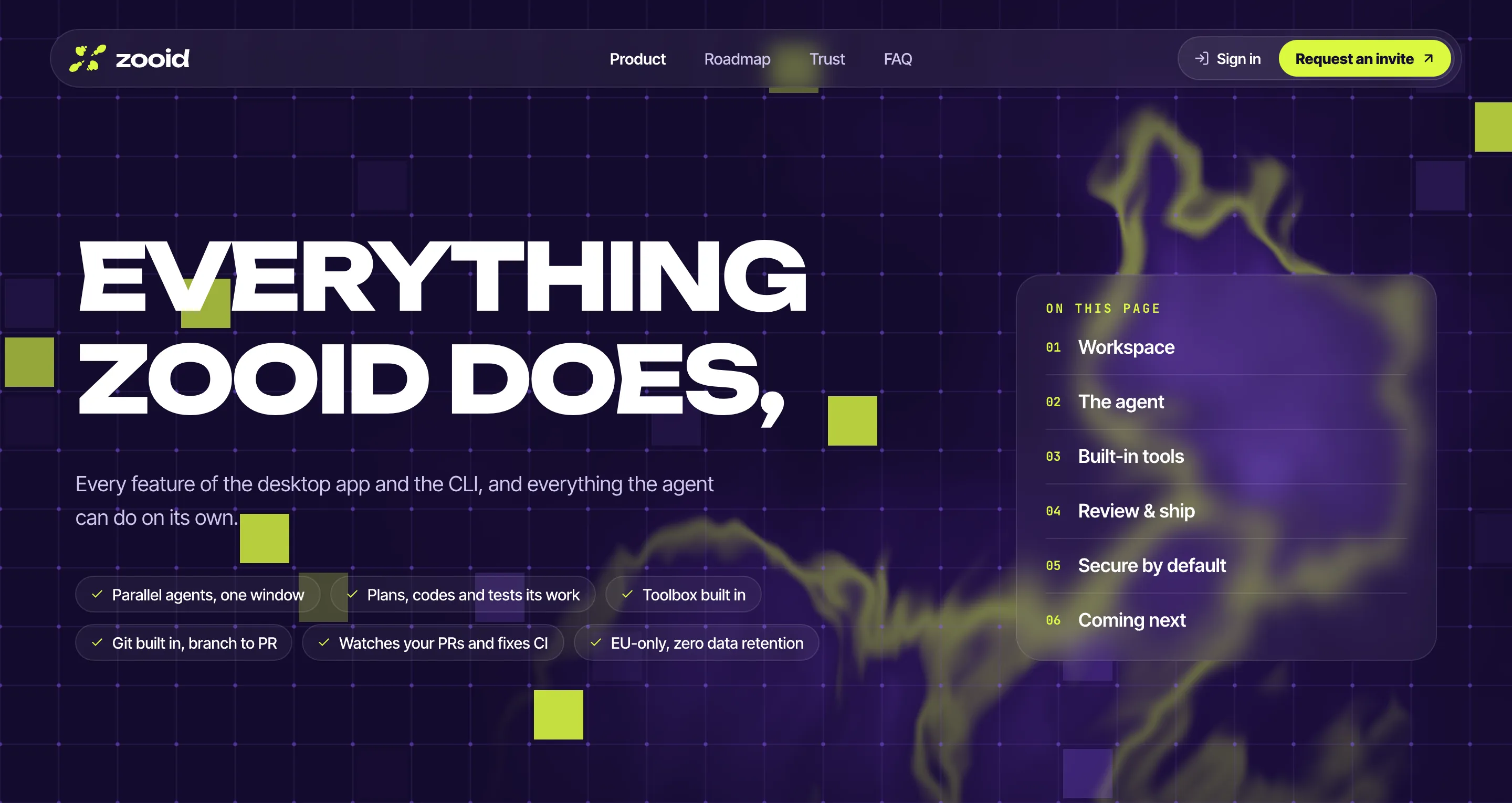
Every feature of the desktop app and the CLI, and everything the agent can do on its own.
01 · WORKSPACE
Run agents on several repos at once without switching apps or losing your focus. Each agents works in isolation and pings you only when it needs a decision.
Every repo you work on lives in one sidebar, running agents included. Jump between them in a click, without juggling windows.
Every session gets its own git worktree and branch, so parallel agents never collide with each other or with your checkout.
Sessions keep their chat, plan, diff and context. Close the app, come back next week, and type “continue”.
Live in the shell? The Zooid CLI puts the same agent, with every capability, in a fast terminal UI.
Branch off main, or pick up an open pull request, an existing branch or a GitHub issue. The agent starts with that context already loaded.
Reviews, command approvals, failing checks and stalled model calls from every project land in Needs you, with one-click actions.
02 · THE AGENT
Under both the desktop app and the CLI runs the same agent harness. It splits big jobs across subagents, runs on its own when you let it, and verifies changes before it says it's done.
The main agent plans the job and hands parts of it to subagents that explore, audit and test in parallel. You see every one of them, and can stop any of them.
Every task turns into a live checklist, with the model, context and spend right beside it. You always know which step it's on.
Let it run without approving every command. Safe mode checks each action against your request and stops for anything risky, so it never goes off the rails.
With built-in browser tools it opens your web app, clicks through it, takes screenshots and checks the result before it calls a change done.
Teach it how your team works once. Skills sync into every session.
Plug in any MCP server: your tracker, error monitoring, docs or database.
Drop in a screenshot or a screen recording and it becomes context.
Pick the model and effort per session, or bring your own API key.
Live context use, automatic compaction, and the exact spend per session.
03 · BUILT-IN TOOLS
Terminal, browser preview, file explorer and diff live in the same window as the agent, all pointed at the session's own worktree.
Your dev server runs in a Preview tab beside the agent. Every change shows up live, without leaving the app.
Open a shell right inside the session's worktree to poke around, run a script or double-check the agent.
Select code in any file, press ⌘L, and those lines drop into the chat as context. No copy-pasting paths.
Browse the tree, jump to any file with ⌘P, and read READMEs and docs rendered, or flip to the source.
04 · REVIEW & SHIP
Zooid is wired into GitHub. Issues come in, pull requests go out, and CI results flow straight back to the agent.
CHANGES VIEWER
All changes against main in one scrolling view, with the file list beside it. Switch between unified and split, revert a hunk, and tick files off as you go.
GITHUB REVIEW
Leave a review comment on any line. It posts to the pull request as you, so your team reads the same thread you do.
PRS, CHECKS & AUTOFIX
Open the pull request from the app and watch CI run right beside the diff. When a check fails, Autofix hands the log to the agent and it pushes the fix.
05 · SECURE BY DEFAULT
Security isn't a setting to find or a plan to buy. Safe Mode, local storage and EU-only inference are on for everyone, from the first session.
SAFE MODE · ON BY DEFAULT
Safe Mode lets the agent work through a task on its own, using only commands that can't harm your machine, your repo or your data. A riskier step is only proposed when it's really needed, and then the agent stops and asks you first.
PRIVACY, BUILT IN
Sessions, history and code live on your own machine, not on our servers.
Inference runs in memory. Prompts and code are never stored by the model provider.
Your prompts and code never train a model. Not ours, not the model provider's.
Models run only on EU providers, and Zooid is a Belgian company with no US parent.
06 · COMING NEXT
The features our team is building right now. Pilot users help decide the order, and get each one first.
Run agents in secure, isolated sandboxes in the EU instead of on your own machine.
Chain agents into workflows that take a ticket all the way to a reviewed pull request.
Work alongside your teammates and their agents in the same session, in real time.
Check in on your agents from your phone: approve plans and review pull requests on the go.
Every shipped feature on this page is in the beta today. Request an invite and put it to work on real code.
Comment on invoices.ts:13 · #241
Should POST share the read limit, or get its own lower one?